CSV Table acf/csv-table NEW
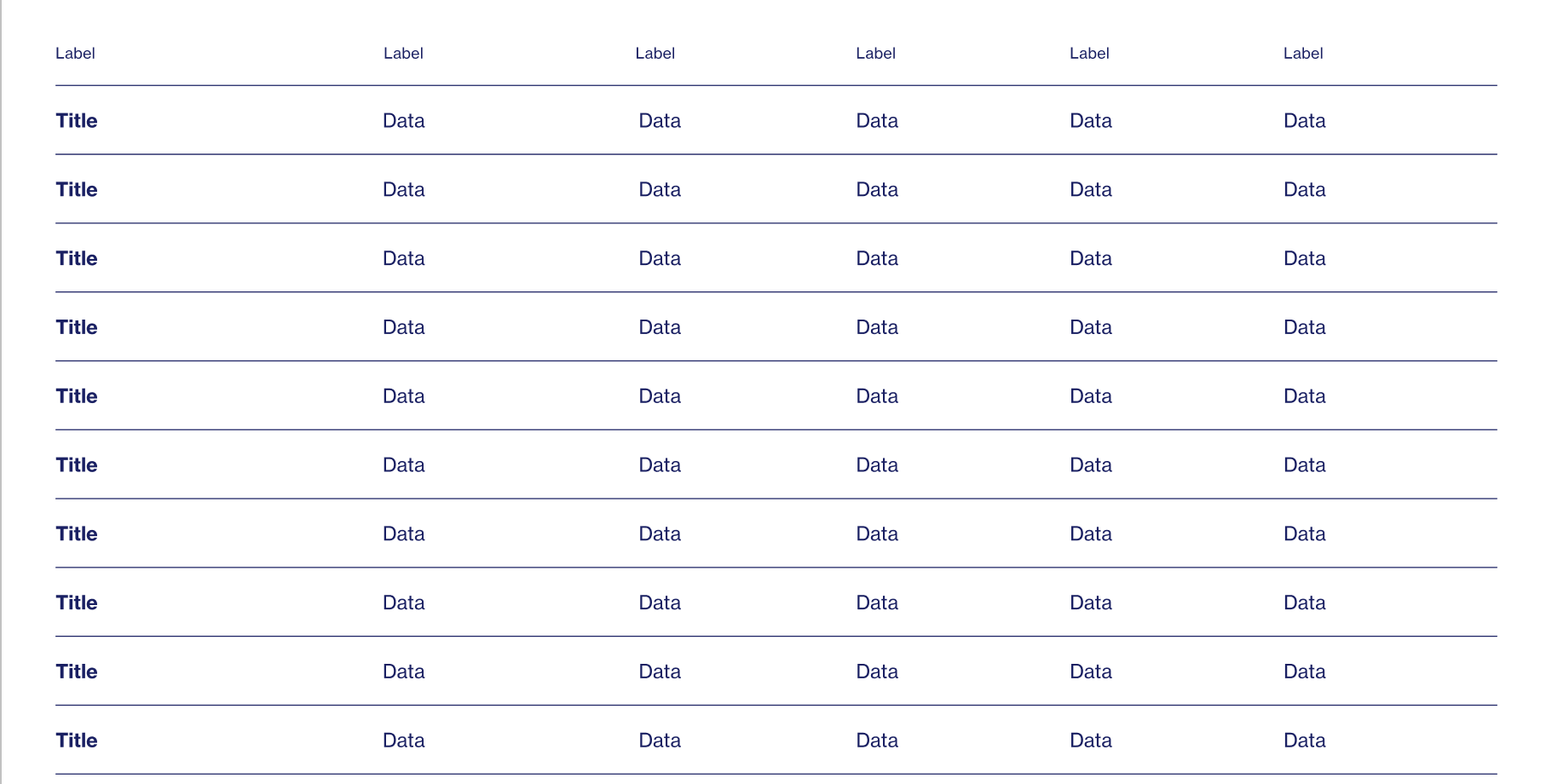
Turns a spreadsheet file into a clean table on the page. The first row becomes the column headers; any cell that contains a web address is shown as a clickable link automatically.
CSV Table block
| Field | Type | How to fill it |
|---|---|---|
| CSV Datarequired | File | Upload a .csv file (export one from Excel/Google Sheets). The table is rebuilt from it. |
| Title | Rich text | Optional heading above the table. |
How the CSV should look
- First row = column headings. Every following row is one table row.
- Use a plain comma‑separated file. In Excel/Google Sheets choose File → Download/Save as → CSV (a "CSV UTF‑8" export is fine — the byte‑order mark is handled).
- If a value itself contains a comma, wrap that cell in double quotes:
"Smith, Jane". - You may put a list inside one cell as
["A","B","C"]— it's shown asA, B, C.
Name,Office,State,Year
Jane Smith,U.S. House,California,2024
"Doe, Maria",State Senate,Texas,2023
Making a cell into a link (optional)
Add two columns named exactly Approval method and Approval link. The table then hides the Approval link column and turns each Approval method cell into a clickable link (opens in a new tab):
Name,State,Approval method,Approval link
Jane Smith,California,Official statement,https://example.org/jane
John Doe,Texas,Press release,https://example.org/john
To update the table, re‑export the spreadsheet to CSV and replace the file. No manual cell editing on the page.
Reading large tables: the first row (headings) and the first column stay put (frozen) while you scroll — so you always see which state/row and which column you're looking at. No setup needed; it works automatically.